

Client review without a meeting
The video was finished on Tuesday. The approval meeting is on Friday. That gap is not a production problem — it is a calendar problem, and it is where most of the elapsed time in client video actually goes. The Review Portal removes the meeting by turning the deliverable into a link. It is also, deliberately, less than you might expect.
The delay is not production
Ask anyone who delivers video to clients where the time goes and they will not say rendering. They will say the bit afterwards: exporting a file too big to email, uploading it somewhere, sending a link that expires, discovering the client cannot open it, and finally booking forty minutes on a calendar three days out so everyone can watch a two-minute video together.
None of that is production. It is logistics wearing production's clothes, and it routinely costs more elapsed days than the work did.
One button on a finished production
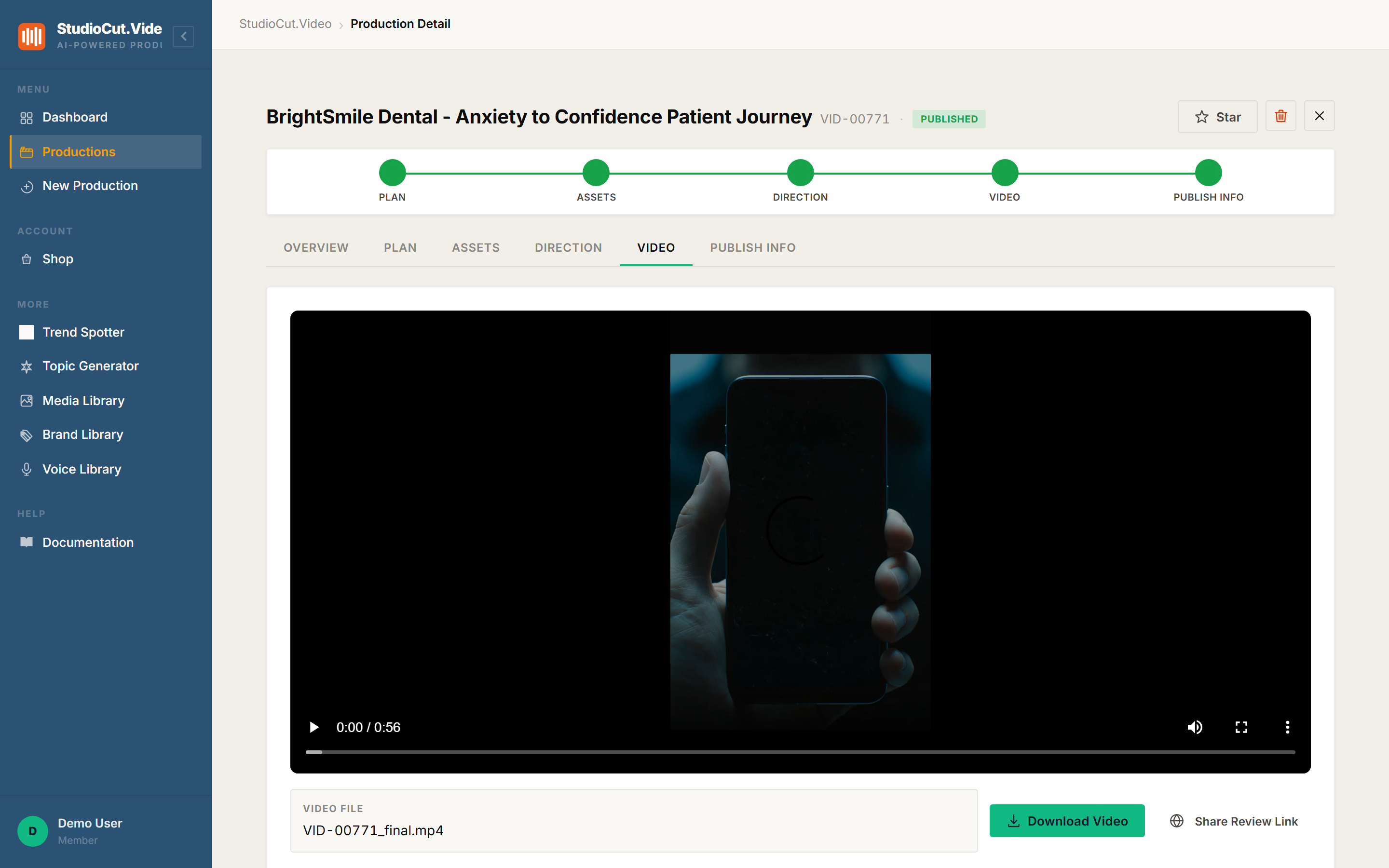
When a production finishes rendering, its Video tab carries a Share Review Link control next to Download Video. Click it and you get a URL. That is the entire sharing workflow — no upload, no file transfer, no expiry negotiation.
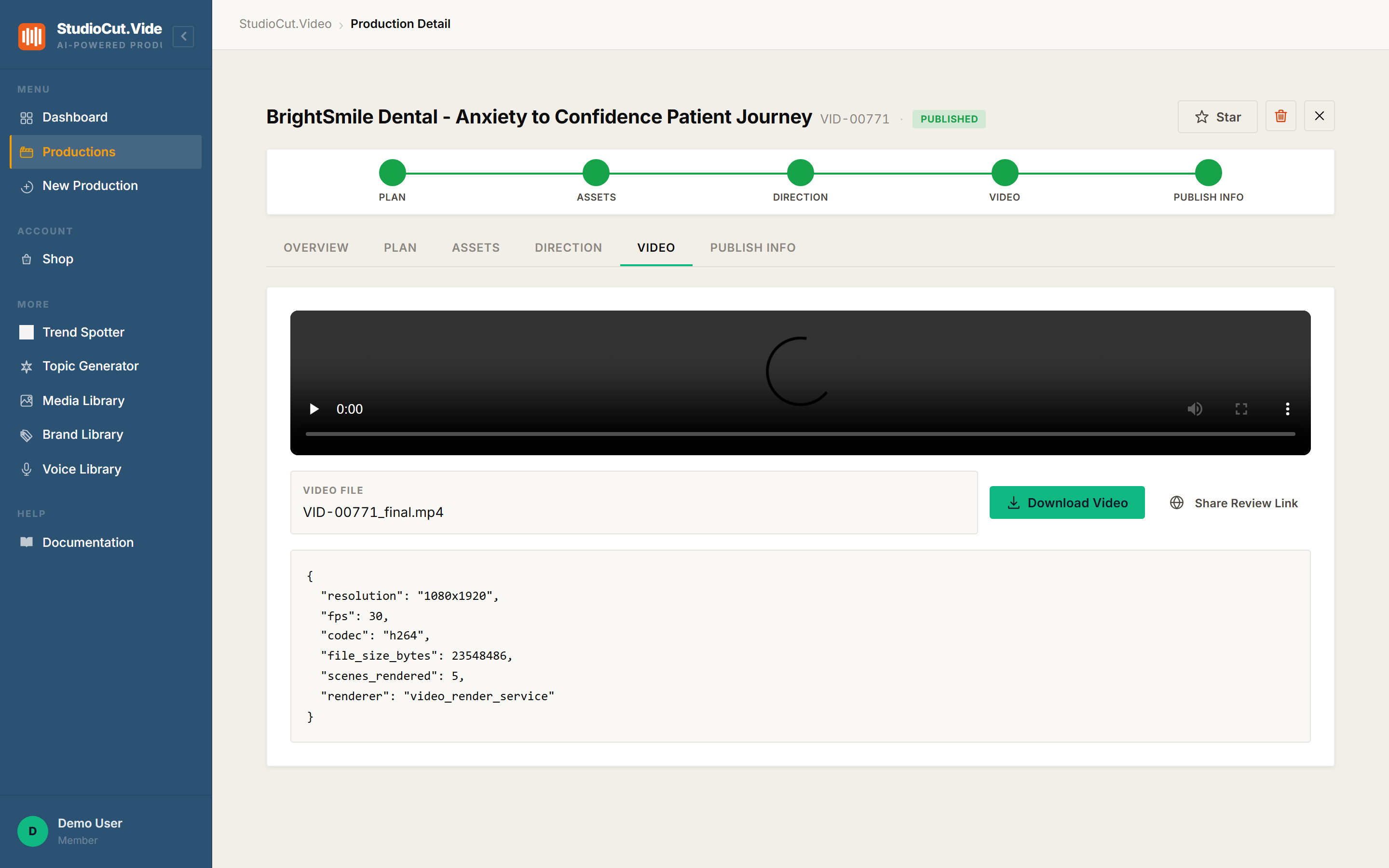
The link points at a public review page under /video_production/review/<token>. Your client opens it on whatever device is in their hand, at whatever hour suits them, and watches. No account, no signup, no app install, no download. Their entire interaction is pressing play.
You can revoke the link later. Revoking does not delete the video — it invalidates that token, so the page stops resolving for anyone holding the old URL.
What it deliberately is not
This is where honesty matters more than a feature list, because the portal is smaller than the word "review" implies. It is read-only.
| People expect | What the portal actually has |
|---|---|
| An Approve button | No. There is no approval control on the page. |
| Comments or timestamped notes | No. Feedback comes back through whatever channel you already use. |
| An expiry date picker | No. The link is live until you revoke it. |
| Password protection | No. Access control is the unguessable token in the URL. |
So the portal removes the meeting, not the conversation. Your client still replies in email or Slack, and you still read it. What has gone is the scheduling — the review happens on their time instead of inside a booked hour of yours.
Whether that trade is right depends on your workflow. If your approvals genuinely need frame-accurate annotation, this is not that tool and we would rather say so than let you find out on a deadline.
The link exists only after the render
There is no review link on a draft, and none on a production mid-pipeline. The token is generated against a finished video, so the page always has something to play. A client who opens the link never sees a progress bar or an empty state — which is precisely the point, because a client watching your pipeline work is a client forming opinions about parts of the process they were never meant to see.
Whose brand is on the page
The page your client lands on carries a brand header, the production title, its status, the player, and a short notice explaining that the page is review-only and needs no account.
That header is driven by your brand kit — your logo and your colours on the client-facing page — so the link reads as your deliverable rather than a generic share page. Set the brand kit once and every review link you send afterwards inherits it.
The one-sentence version: the Review Portal turns a finished render into a read-only, no-login link you can send anywhere — removing the approval meeting, while leaving the approval conversation exactly where it already lives.
Further reading
- The Review Portal — generating, sharing and revoking links.
- One review gate, not five — the internal approval that does gate the pipeline.
Ship the link, not the invite
Generate a read-only review link straight off a finished render and let your client watch it on their own time. Start free and produce your first shareable video.
Get Started Free