

Multi-language fan-out, explained
"Twenty-four languages from one master" sounds like marketing arithmetic. It isn't — and it isn't magic either. It is a concrete mechanic: one approved storyboard, a batch panel, and a handful of language-variant rows that each become a real, publish-ready video — its own voiceover, its own render, its own publishing metadata. Here is exactly how the fan-out works, and what that headline number really depends on.
One master, many videos — but each is a real video
The promise is easy to oversell, so let's be precise. When you produce a video in another language, StudioCut.Video does not splice a translated subtitle track onto the same MP4. It creates a separate production for that language — a real record with its own voiceover, its own render, and its own publishing metadata. A variant is a sibling video, not a caption layer.
What the variants share is the expensive, judgement-heavy front of the pipeline: the storyboard from Phase 1 and the images, music, and layouts from Phase 2. Those are generated once, on the master, and reused by reference. Each variant then re-runs only the parts that genuinely have to change per language: the voiceover, the scene re-timing, and the Phase 5 metadata.
The batch panel: where the fan-out is set up
Everything starts in Step 2 of the Create Wizard — Voice & Audio. Two fields define the master's language: Voiceover Language and Content Language, paired side by side. Below them is a control labelled + Also generate for additional languages (Batch). Click it and the batch panel expands.
Each row in the batch panel is one additional language variant. A row has its own Voiceover Language and Content Language pickers, and you add a row per language you want. The panel accepts up to 5 rows — so a single wizard run produces a master plus at most five variants: six videos total.

Voiceover language vs. content language
The two fields per row look redundant until you need them apart. They are not the same thing.
| Field | Controls | When they differ |
|---|---|---|
| Voiceover Language | The language the narration audio is spoken in. | You want a Spanish-spoken video whose on-screen text and metadata stay in another language. |
| Content Language | The language of on-screen text and the Phase 5 publishing package — title, description, tags. | You localise the words on screen and the discoverability keywords independently of the spoken track. |
For most variants you set both to the same language and move on. The split exists because "spoken in X" and "written for an audience that reads X" are genuinely separable decisions, and the wizard refuses to assume.
What happens after you finish the wizard
Saving the wizard creates the master production. The variants do not exist yet — and that is deliberate. Phase 1 (Planning) and Phase 2 (Asset Generation) run once, on the master only. There is no point translating a storyboard you have not approved.
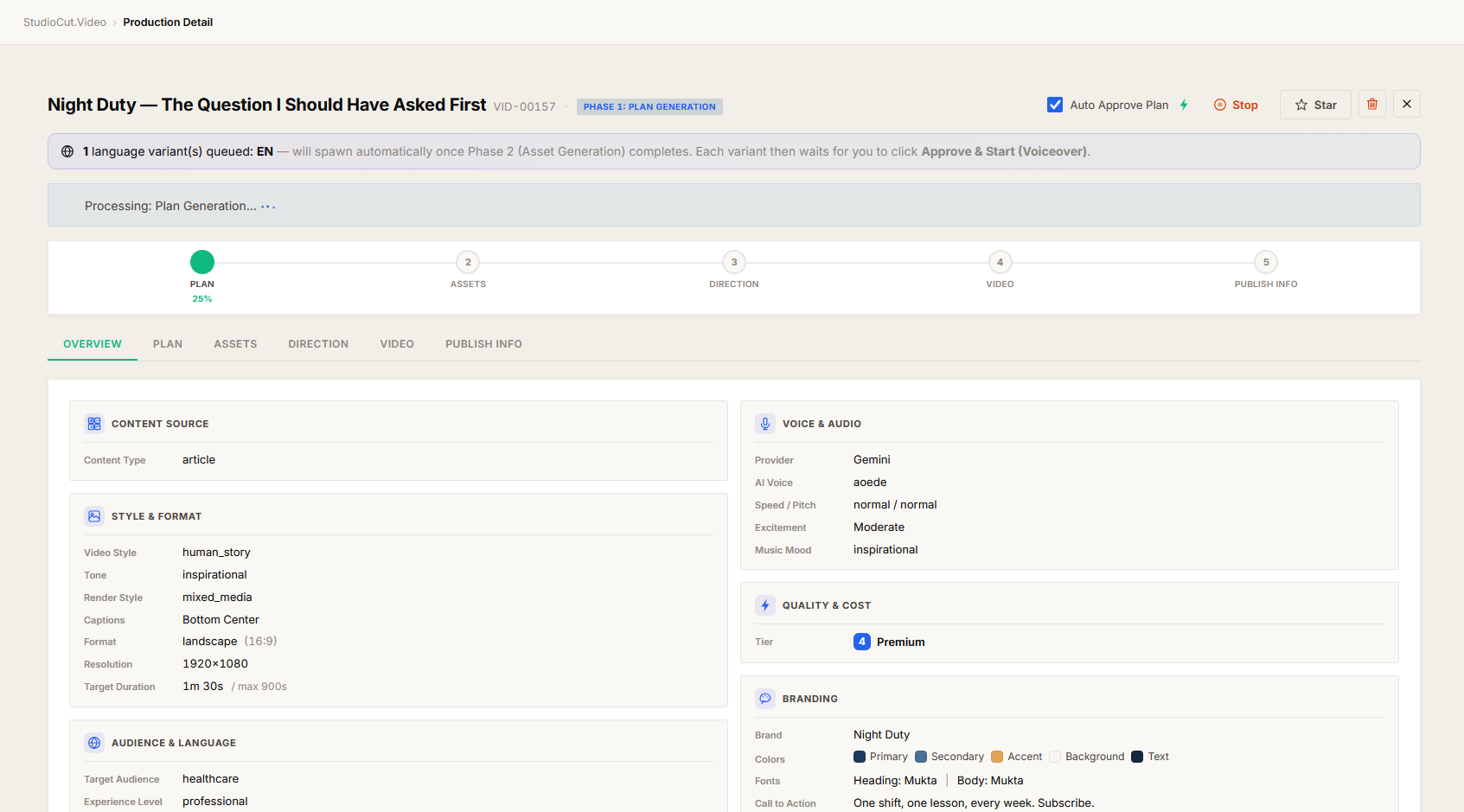
Once master Phase 2 completes, the variants spawn automatically as separate productions. Before that moment, the master shows a pending-variants banner naming the queued languages — for example "5 language variant(s) queued: [DE, FR, ES, JA, PT] — will spawn automatically once Phase 2 (Asset Generation) completes."
Each spawned variant then parks at its own Phase 1 gate, with auto-approve off — exactly the same single gate a production you started by hand would stop at. The fan-out hands you a localised plan to inspect; it does not run that variant's voiceover or downstream phases until you approve it. One gate per production, and a variant is a production.
Variants run independently from there
After the gate, every variant is on its own. Each generates its narration audio in its target language, re-times scenes if the translated script runs shorter or longer than the source, and runs Phase 3 (Direction), Phase 4 (Render), and Phase 5 (Publishing) separately. The Phase 5 package is never copied between languages — each variant gets its own AI-generated title, description, and tags, with keywords and even title-length conventions appropriate to that language.
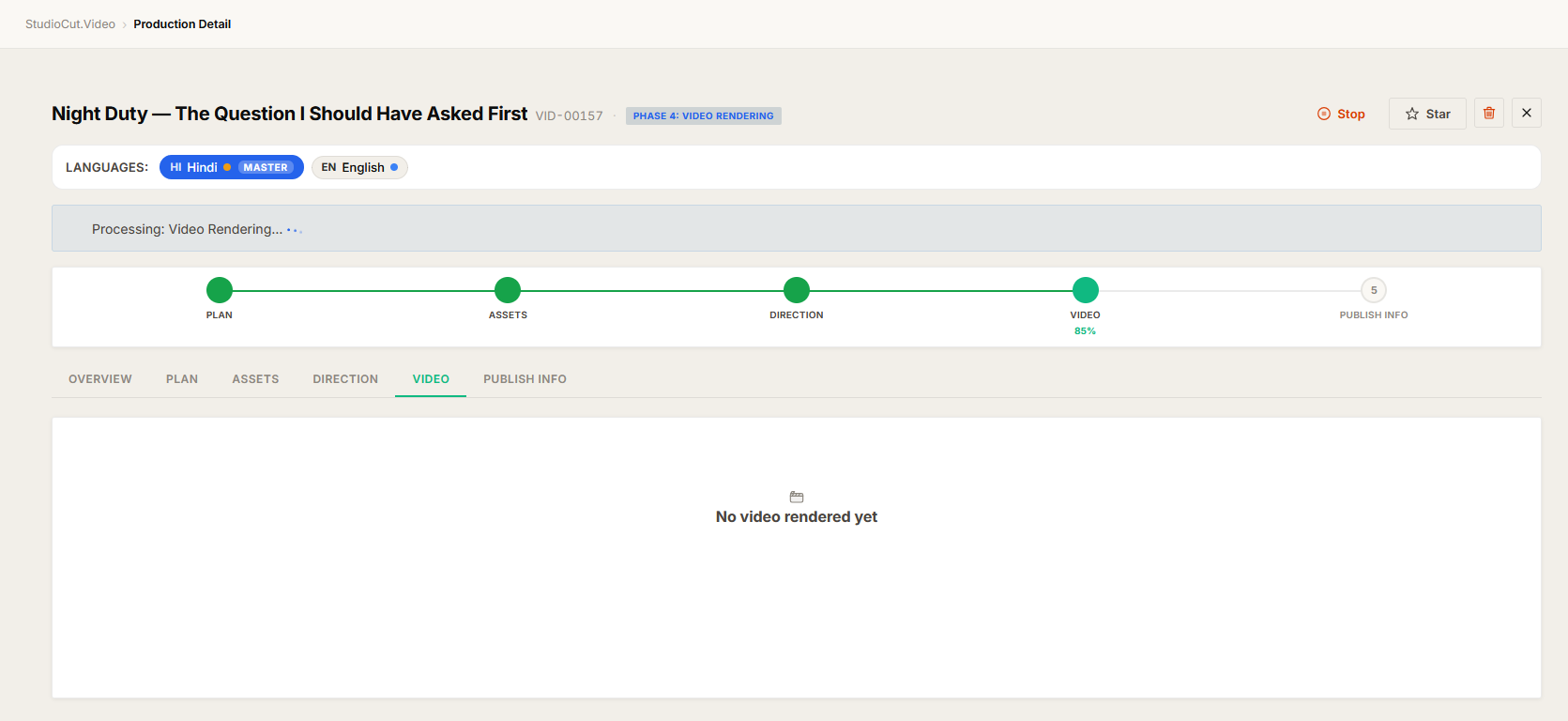
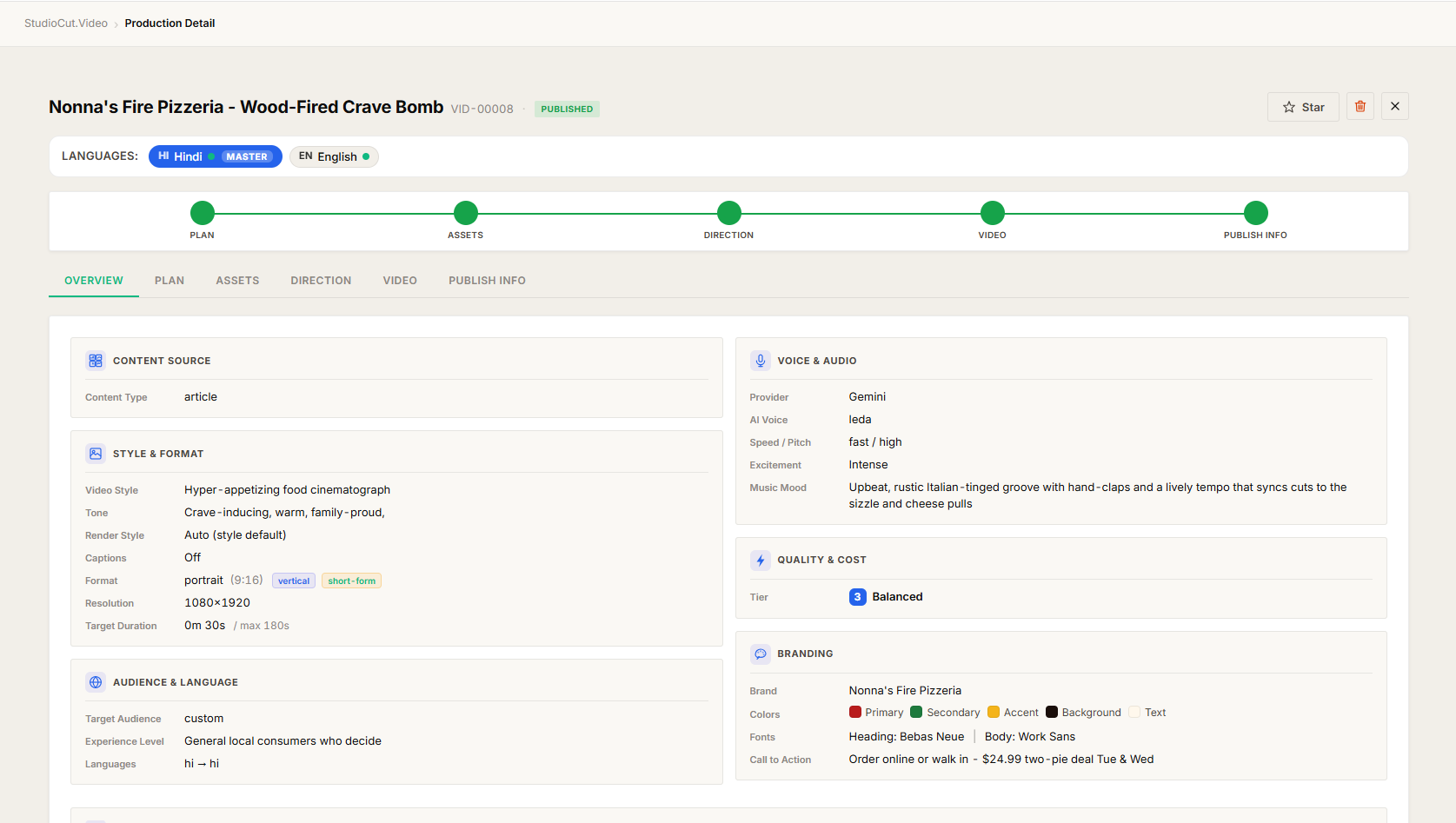
Independence cuts both ways, and that is the useful part. If four variants sound great and one doesn't, you fix and re-run that one — the other four are untouched, and the master is untouched too. To move between siblings, every production page (master and variants) carries a language switcher in its header.
The token-cost notice, and why it's always on screen
A variant is a full video, so it costs roughly what the master costs. The batch panel makes this impossible to miss: a token-cost notice sits inside the panel at all times, showing how many tokens each additional language adds and the running total as you add rows.
The honest framing is that the fan-out saves you the storyboard and shared-asset spend — Phase 1 and master Phase 2 are paid once — but voiceover and downstream phases are paid per language because they genuinely have to be. A five-language batch also consumes six monthly video slots: the master plus five variants. Read the notice and check your plan headroom before you commit.
Plan-gated: the Multi-Language Batch panel is Enterprise only. On every other plan the batch control is unavailable and each language is a separate production from scratch — note that producing a single video in another language is not gated; only the one-run fan-out is. The entitlement is re-checked at fan-out time too, so if the plan changed between starting the run and Phase 2 finishing, the variants are skipped and the master says so in its log rather than silently spending.
So what about "24 languages from one master"?
Here is the grounded version of the promise. One wizard run fans out to a master plus up to five variants — six languages from one storyboard, in parallel, off a single approved plan. To reach 24 you run the wizard again with the next five languages, and again, reusing the same wizard inputs and brand preset so every batch looks identical.
The "from one master" part is real in the sense that matters: every batch starts from the same approved creative decisions, and within each batch the expensive front of the pipeline is paid exactly once. What the wizard does not do is add 24 rows in a single panel — the batch mechanic is five additional languages per run. Adding languages to an already-running master is on the roadmap; today, a later language means a fresh run.
The one-sentence version: multi-language fan-out is one approved storyboard spawning up to five sibling videos per wizard run — each a real production with its own voiceover and metadata — with the shared, expensive phases paid only once.
Further reading
- Multi-Language Production — the step-by-step guide to the batch panel and per-variant review.
- The Create Wizard — Step 2 is where languages are chosen.
- Multi-Format Production — a different one-input-to-many-outputs mechanic.
- How we built the five-phase pipeline — why the work is split into phases at all.
- One review gate, not five — the single-gate rule, and why variants each get their own.
Reach every audience from one approved plan
Approve a storyboard once, then fan it out into real videos for each language — each with its own voiceover and metadata. Start a free account and produce your first multilingual batch.
Get Started Free